We know how hard it can be to find the professional grade medical supplies you need for your school, child development center, or athletic complex. Let us be your source for all your health-related supplies!
At School Health, we offer one of the largest selections of health supplies. We feature the most trusted brands in the industry for quality and performance you can count on when you need it most. With our selection of health supplies, you will find all the basics for a school nurse supply such as first aid kits, educational materials, and more.
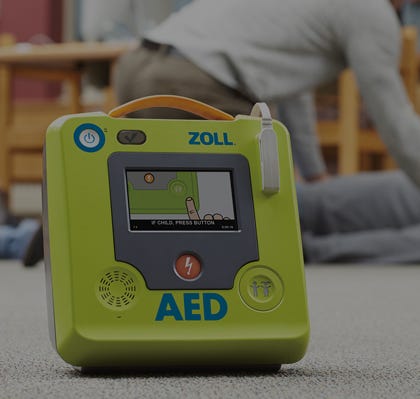
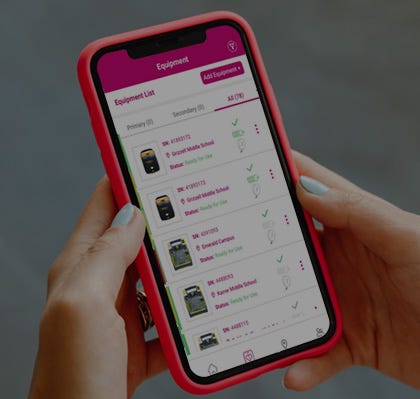
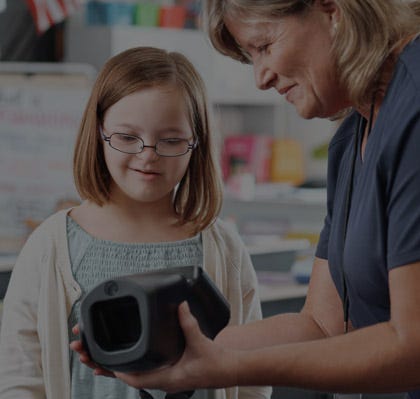
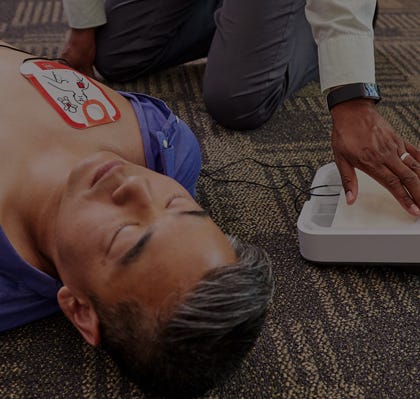
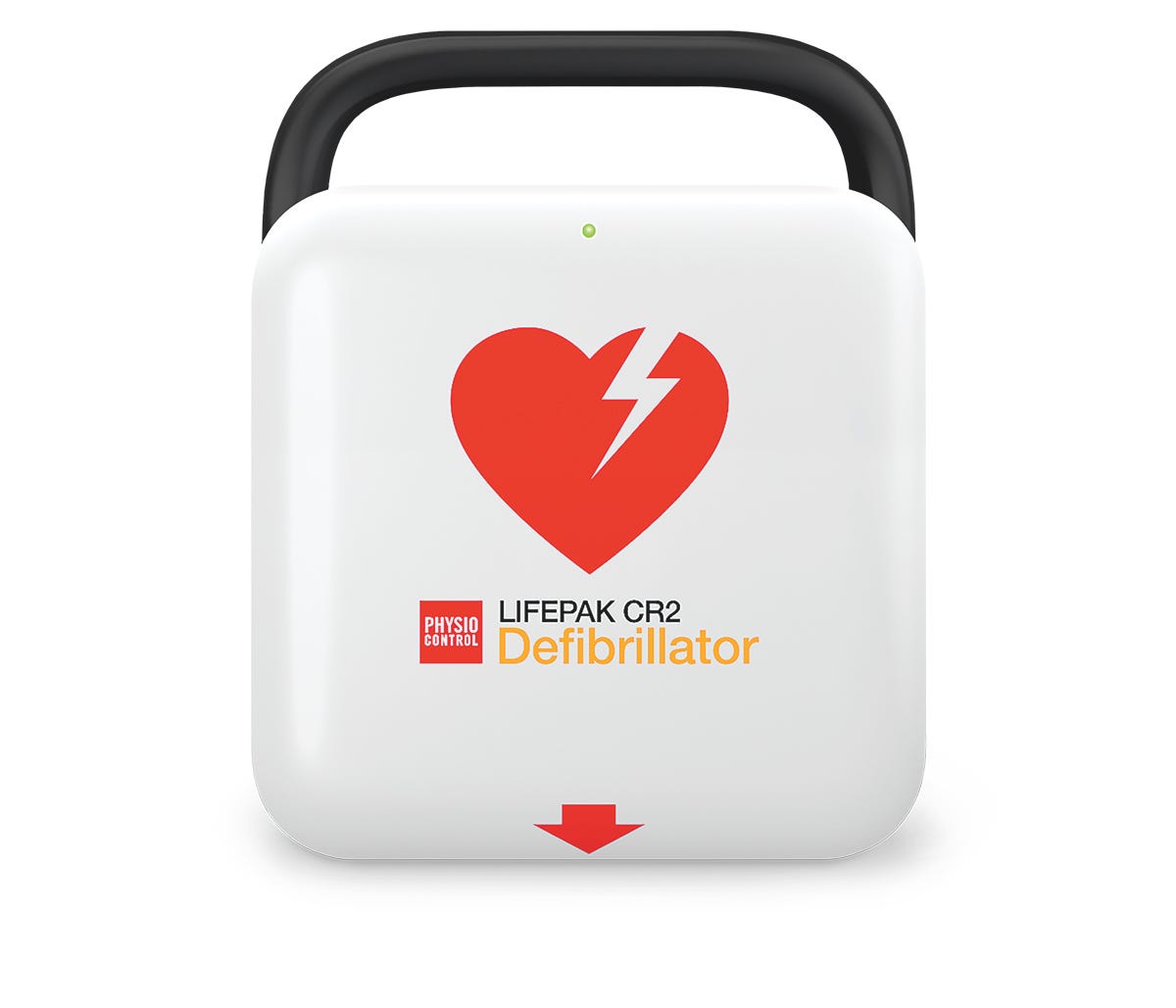
In addition to the necessities of a school nurse supply, we also offer all the essentials to address a range of developmental issues. With an inventory covering areas such as motor sensory skills, speech therapy tools, and vision screening devices, to name a few, make sure your school or center has everything it needs to provide a full spectrum of care. Whether looking for ways to improve the learning environment of hearing impaired students, work safely with athletes on recovering from injuries, or an AED management program to meet state standards, we have what you need at the most affordable price. Not sure which product would be best for your setting or student needs? We would be happy to assist you in making the right choice for you. We understand the importance of finding solutions to meet both the needs of your students and the restrictions of your budget. With this in mind, we offer the services of our product experts and offer many products with lengthy warranties to ensure the life of the product. This is just one of the many ways we aim to put our valued customers first in all we do! At School Health, we are honored to be your destination for all your health-related supplies for your location. With over 60 years of experience in serving the needs of schools and other locations in need of professional-grade supplies, we are committed to supplying you with the most reliable solutions. If you have any questions, our staff would be happy to help.